I had four Power BI reports sleeping in a folder. Interview case studies in iGaming, an e-commerce case study on synthetic data, a personal project based on a YouTube tutorial by Injae Park. All built in spring 2025, all in .pbix, so unreadable outside Power BI. I wanted to show them on the site. The starting problem: no Pro licence, no Service. Everything had to come out of Desktop.
From binary files to text
First decision: convert them to Power BI Project. The model becomes TMDL, the report JSON (PBIR). Every measure, every M query, every visual can be read as text and versioned. That is what made the rest possible. In total, the four projects come to 46 tables, 31 relationships, 183 DAX measures and 12 visible pages.
On opening them, nothing refreshed. The queries of three reports pointed to an old cloud folder, and the visuals were showing the .pbix cache: a perfect illusion. The fourth read a local SQL Server database that no longer existed. I reconnected it to the original CSV files, and rebuilt the SQL query that listed customers with no deposit as a Power Query anti-join. Check: 500 transactions and €14.97K, the same figures as before. It was the only regression test I had.
A theme that changed almost nothing
Then the styling. I applied a theme, and almost nothing happened. Local formatting, set visual by visual eighteen months earlier, overrode everything: 112 overrides in the e-commerce report, 232 in the casino report, 127 in the third. A Python script removes them from the PBIR JSON. The colours hard-coded in the DAX had to be dealt with too — the distribution bars in the tables are SVG images generated by measures, with their colours written in plain text. Pages standardised at 1920 × 1080 along the way; some went up to 1600 × 2000.
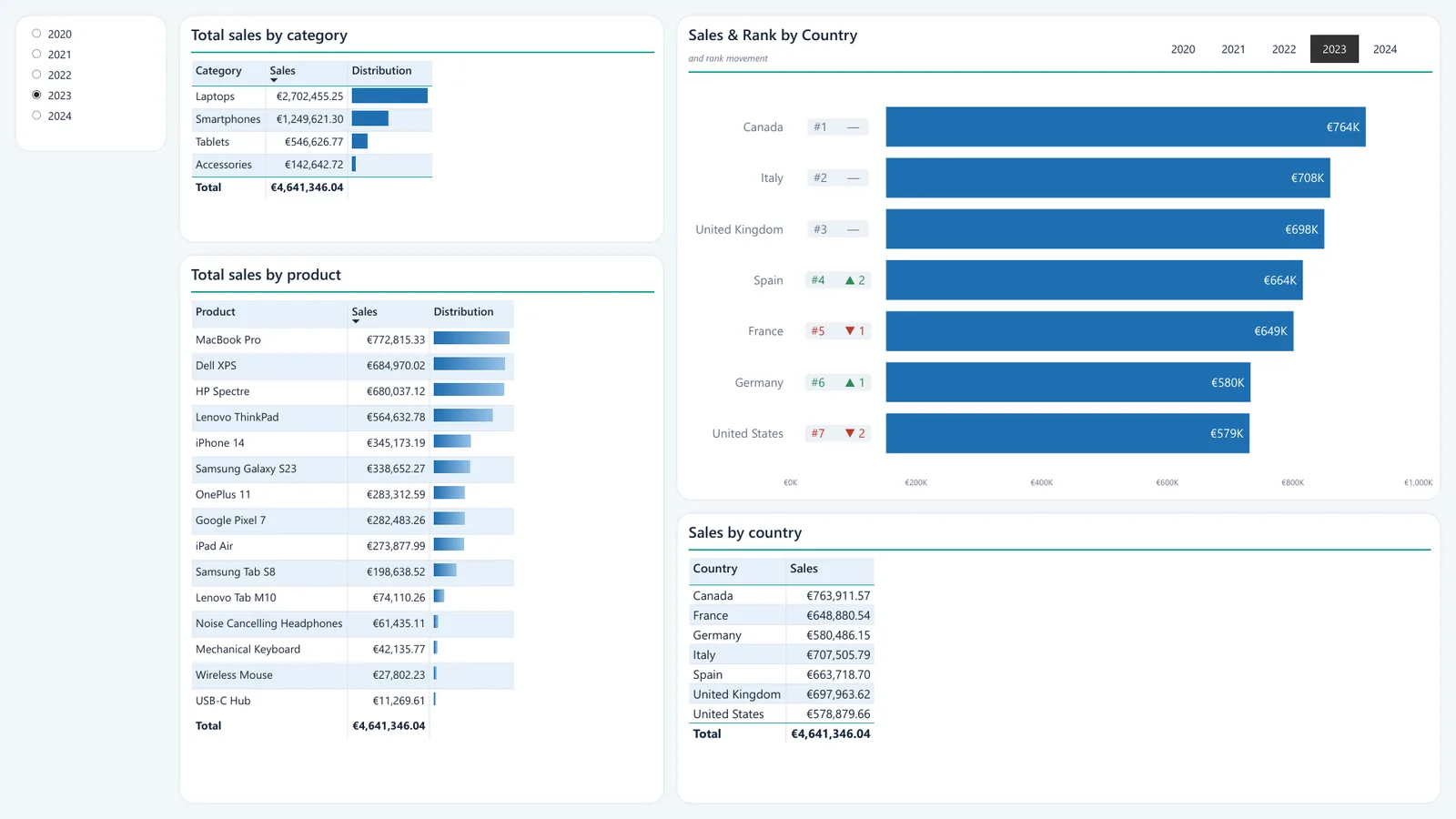
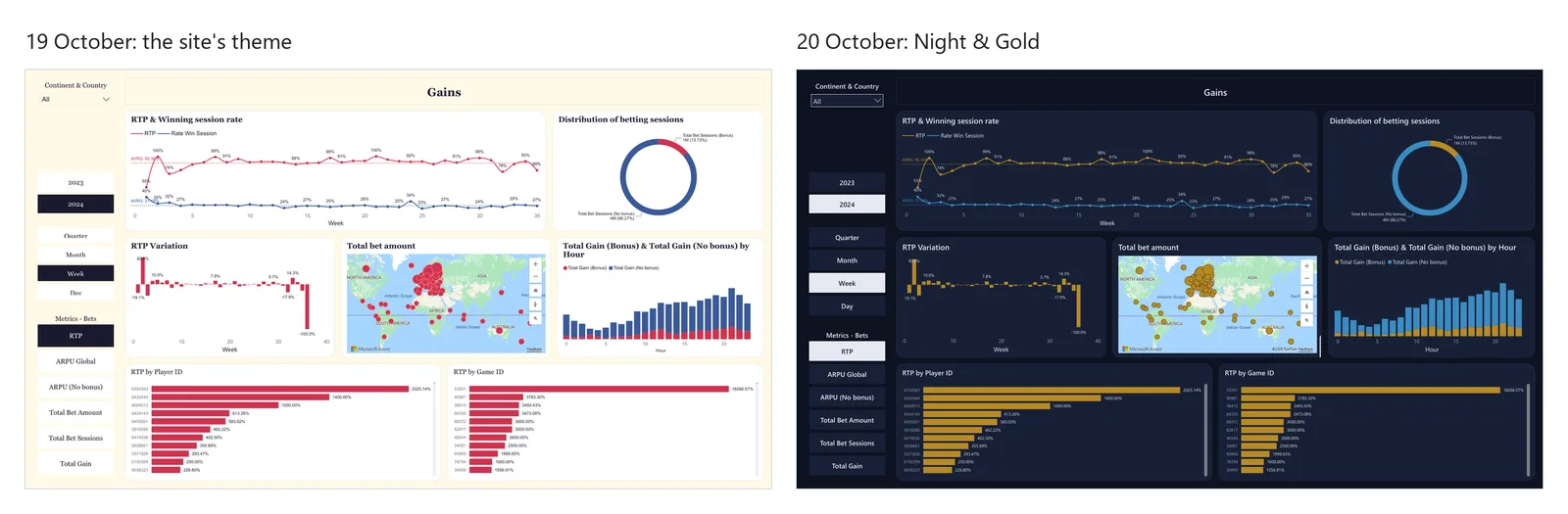
On 19 October, three of the four reports took on the site's colours: crimson, cream, Georgia. The next day, I undid it all. A casino, an electronics shop and an exercise on payments do not share the same identity, and forcing them into the same palette made them interchangeable. I wrote a theme generator: Ocean for the e-commerce report, Night & Gold for the casino, Corporate for the operational exercise; Spotify keeps its own. Palettes checked for colour blindness.
Exporting from Desktop alone
All that remained was the export. Without the Service, the route is Desktop's PDF, converted to PNG with PyMuPDF. Except that the Azure Maps visual does not export to PDF: it is simply missing. I captured it on screen, then pasted it back into the PNG, its position found by template matching (score 0.96). A hack, and I own it. Two other traps along the way: SELECTEDVALUE on the display column of a field parameter breaks the visual, so you have to target the order column; and Bing Maps, at the end of its life, had to be migrated.
For the interactions, I first produced GIFs. Too heavy: 1.3 MB against 450 KB in WebM for the same loop. I switched to MP4/WebM at 1280 × 720.
What I would do differently
What I would do differently: build the reports in .pbip from the start, in 2025, rather than converting them after the fact. And never set a colour in a visual.
Two things remain unresolved. The Kaggle CSV of the Spotify project still has 33 broken encoding sequences. And 29 unused measures are still lying around in the e-commerce model.